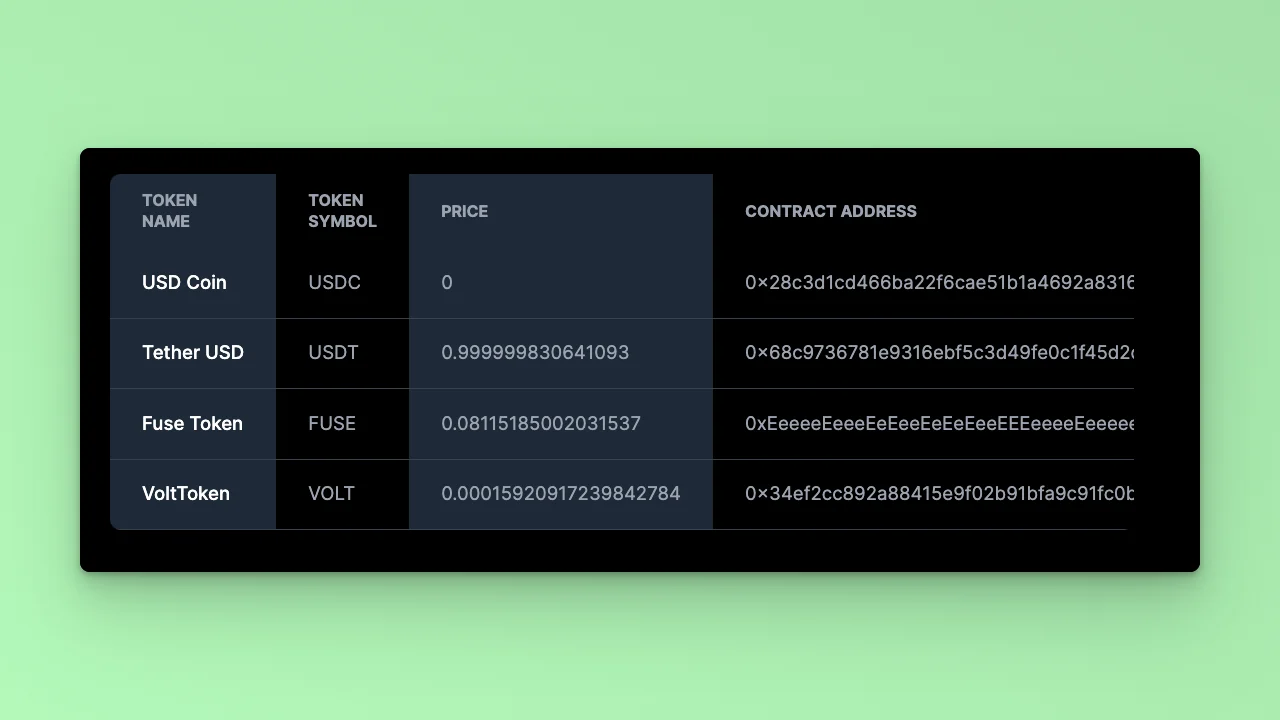
GET requests, which do not cause state changes on the Fuse Blockchain.
Prerequisites
Before we begin, ensure you have the following:- Node.js installed on your machine.
- Code Editor: Use your preferred code editor; VS Code is recommended.
- An EOA wallet with a private key. You can use an existing one or create a new wallet.
- A basic understanding of React.js and Next.js.
- An API key from the Fuse Console. Get one here.
Step 1: Set Up Your Project
Create a new project folder and initialize it using Node.js:Step 2: Set Up Your Next.js App
Create a new Next.js app: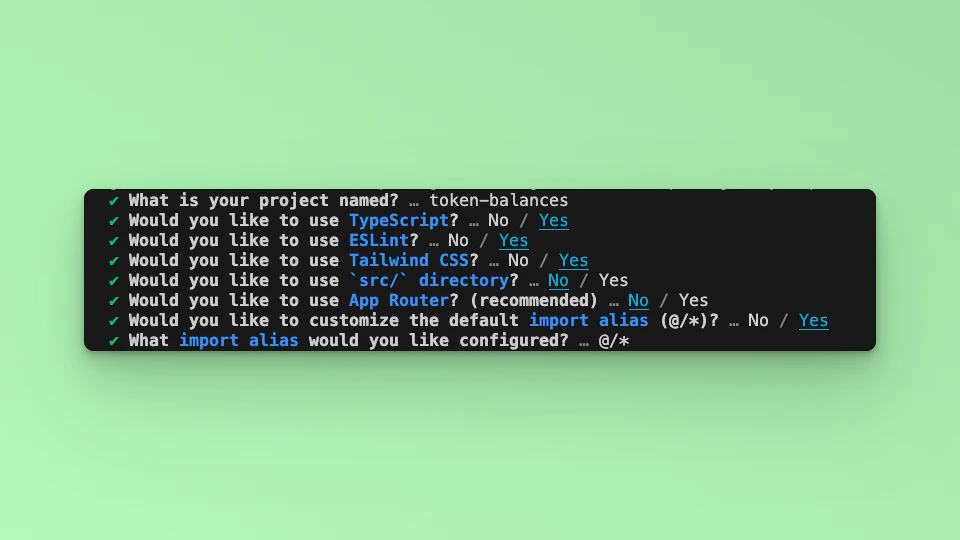
Step 3: Install Dependencies
Install the required dependencies:GET Token and Token Price details. Both actions will be carried out using the FuseBox Web SDK. We will also use the EthersJS Library for particular Wallet methods. Install the EthersJS library; we will use v6.
Step 4: Import Libraries
Open the index.tsx file, delete the default code from NextJS. First, import the required libraries and put up a default `Hello, World!’ text:Step 5: Dashboard
This is a guide toGET requests using the FuseBox SDK. In this example, we are using the GET Token Details and GET Token Price methods to illustrate how a developer can call the methods and build a simple interactive user interface.
To interact with the FuseBox Web SDK, you need to initialize the SDK by parsing an API Key and the Private Key of an EOA. You can get an API Key here.
To parse the Data, we will write an asynchronous function called tokenInfo where we await the responses for each token price, as it is a promise. To mount the state and prevent reloads, we will use the useEffect hook.
Start with USDT.
usdc, volt and fuse:
Step 6: The UI
Upate thereturn statement: