Step 1: Sign Up
Sign up for a Grove account.Step 2: Create Your Application
Creating an application is your first step towards active interaction with the Fuse Blockchain.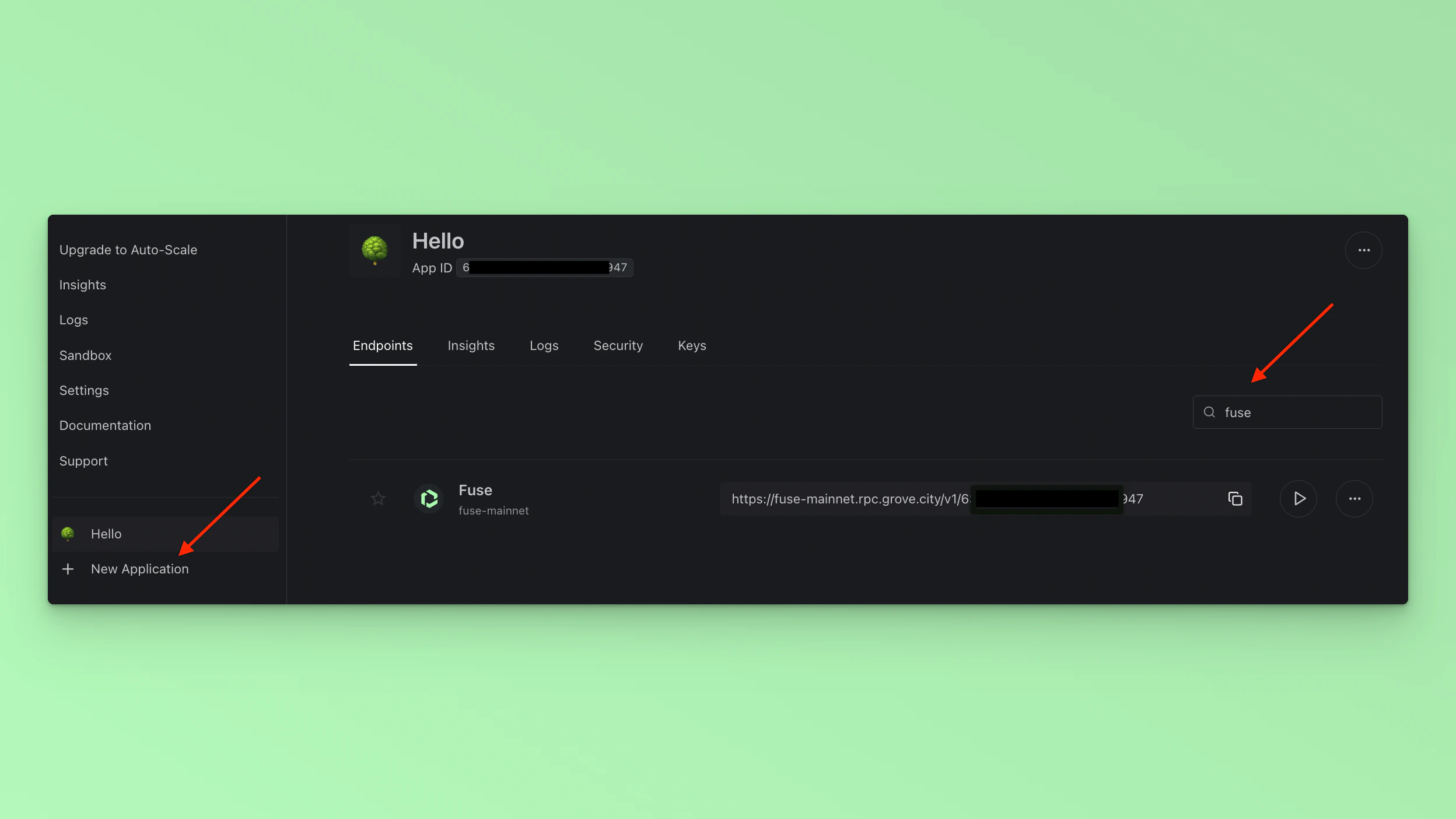
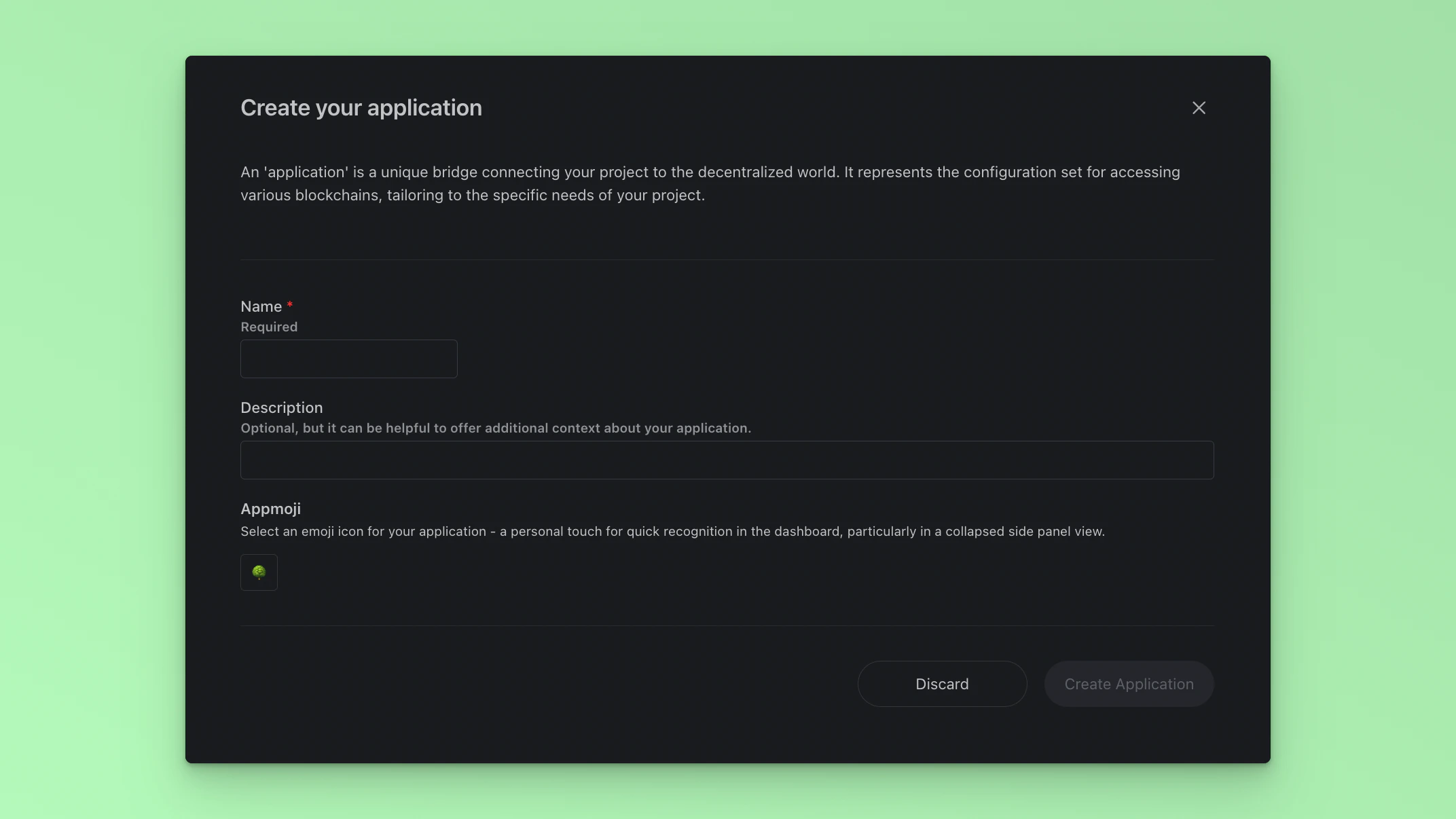
- Name Your Application: Assign a name to identify your application in your account uniquely.
- Describe Your Application: Provide a concise description to outline your application’s
- Select an Appmoji: Choose an Appmoji for a fun visual representation of your application.
Step 3: Make Your First RPC Call
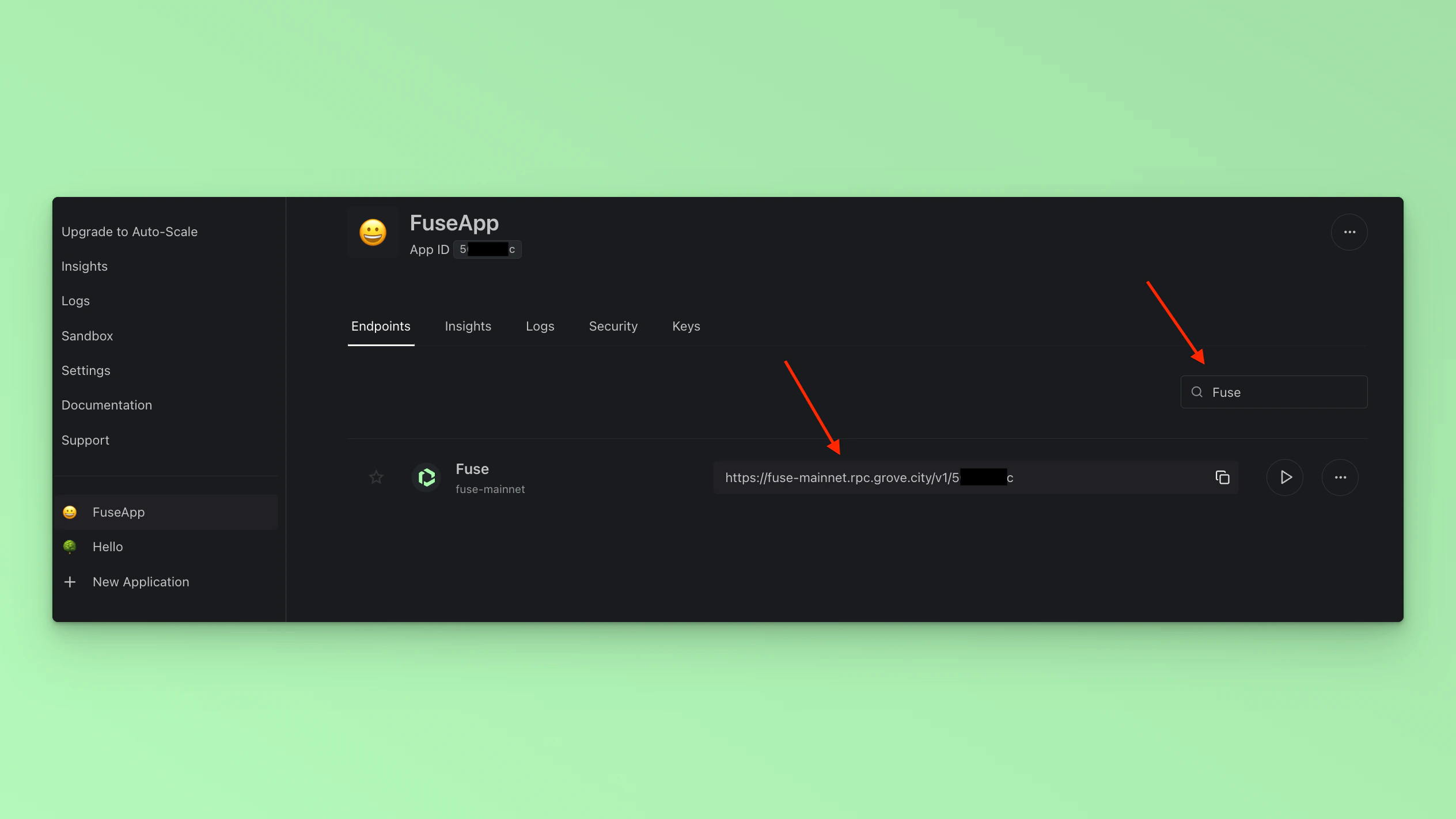
Type in Fuse in the Search Bar to find your unique RPC for making calls to the Fuse Mainnet from your Project.