How to update Validator Metadata
Successfully running a node? Follow these steps to update your metadata to be displayed on Staking App:Step 1: Fork the Repository:
Start by forking the repository to your own GitHub account. This will create a copy of the repository under your account that you can work with.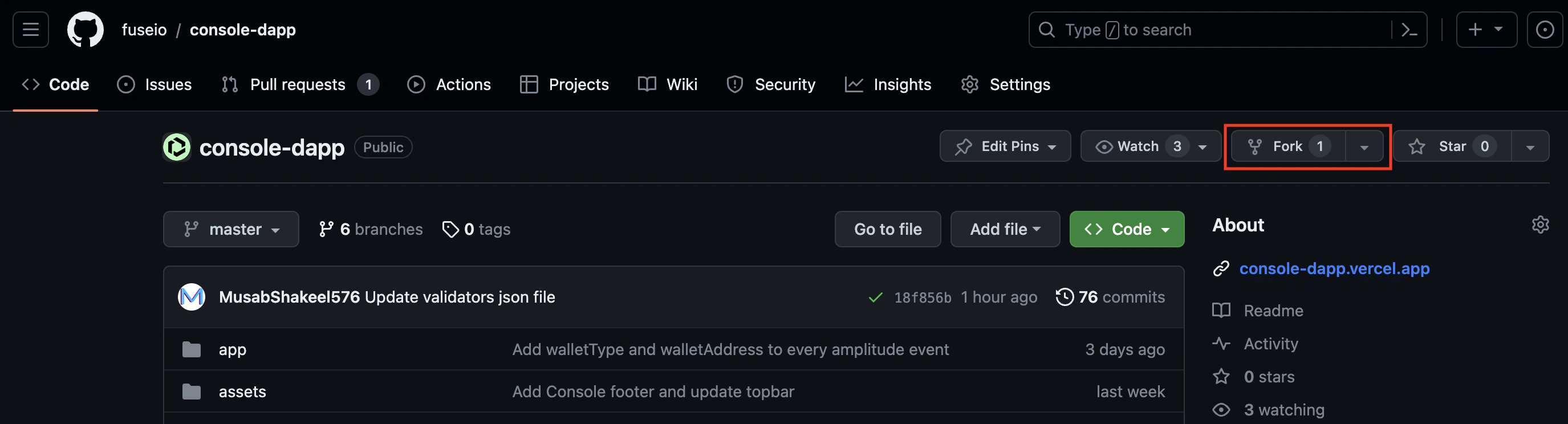
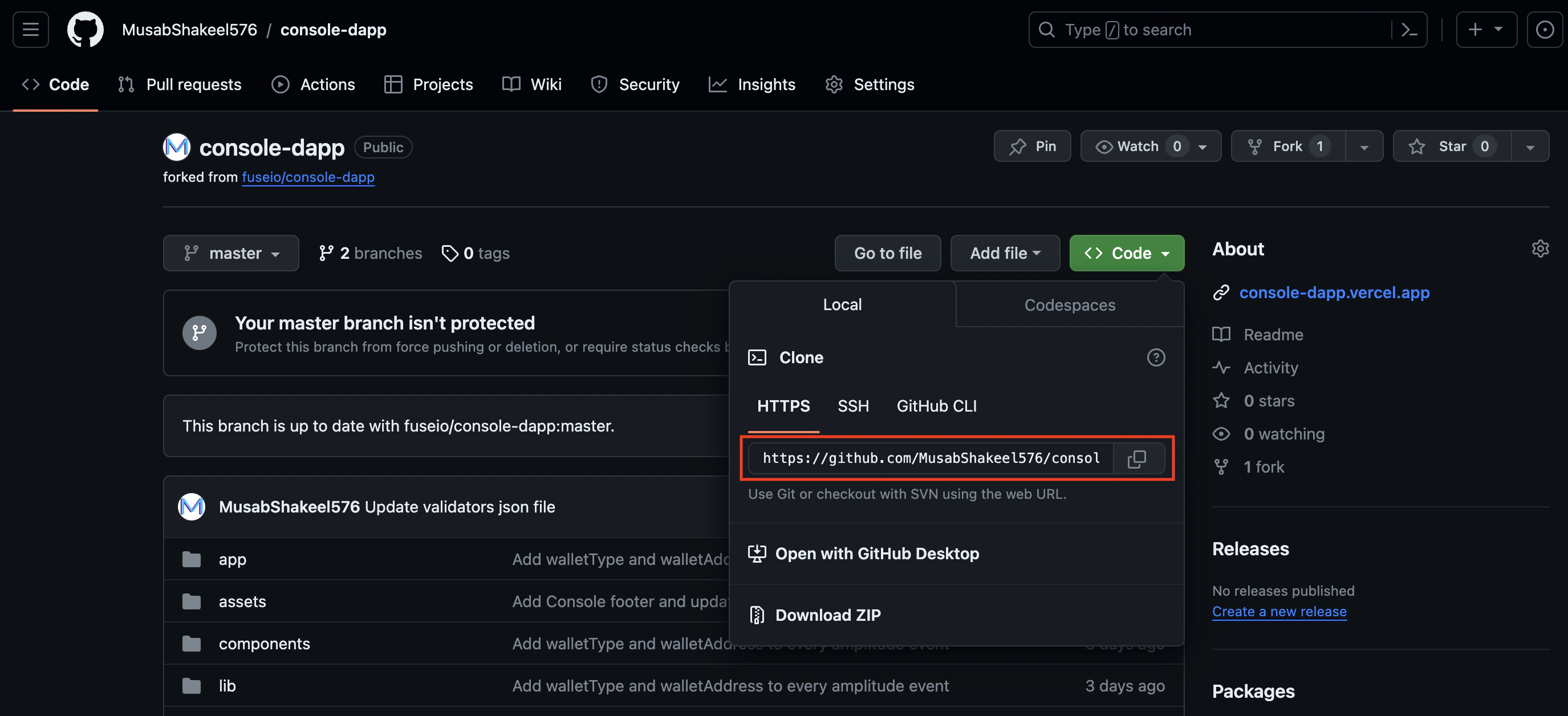
Step 2: Clone the Repository:
Once you have forked the repository, clone it to your local machine using a Git client. This will create a local copy of the repository that you can modify. To clone the repository run this command in your terminal:git clone <url of forked repository>
Step 3: Create a New Branch:
Create a new branch in your local repository to work on the changes. It’s recommended to create a branch specifically for this update, such asupdate-<validator>-data(image/website/description/name)
To create a new branch, navigate to the cloned repository and run
git checkout -b <branch name>
Step 4: Make the Necessary Changes:
Navigate tovalidators/validators.json
- If you want to update your metadata, search for your node address, and make changes to the attribute next to it, currently 4 attributes are supported:
- name:- Name of your validating node
- image:- Location of your node’s image, all images are located in
public/logosyou are required to update/add the logo in the same directory, and your image attribute should look likelogos/<image name>, The recommended image size is** 64px*64px or 128px*128px in jpg/png** format. - website:- the website for your validating node
- description:- description to be displayed for your node
- If you are adding a new node, add an entry at the end of the JSON object with your node’s address as the key and follow the above instruction.
Step 5: Commit and Push the changes:
Once you have made the necessary changes, commit them to your local branch. First, add all the files that you have changed and then provide a meaningful commit message that describes the purpose of the changes. for egStep 6: Open a Pull Request:
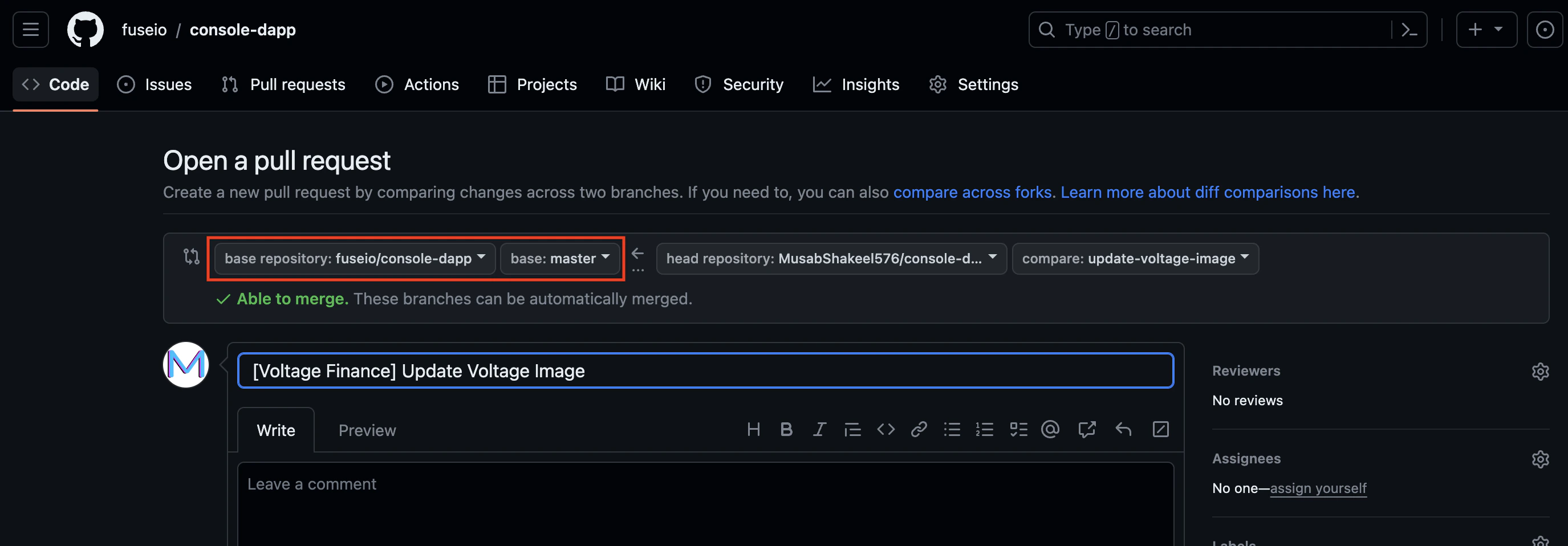
On the original repository page, you should see an option to compare and open a new pull request. Click on it, and select your branch as the source branch and the target branch asfuseio/console-dapp master where we want it merged, provide a short description, and ask for a review. If the review is a success, your PR will be merged and changes will be live within a few minutes of merging.